Interstices
Growth, pressure,
and the spaces between.
An imagined microscopic landscape.
A tissue in the making.
01 / Through time
The tissue takes shape.
Scattered beginnings become abundant. Watch cells grow, divide and press into their surroundings.
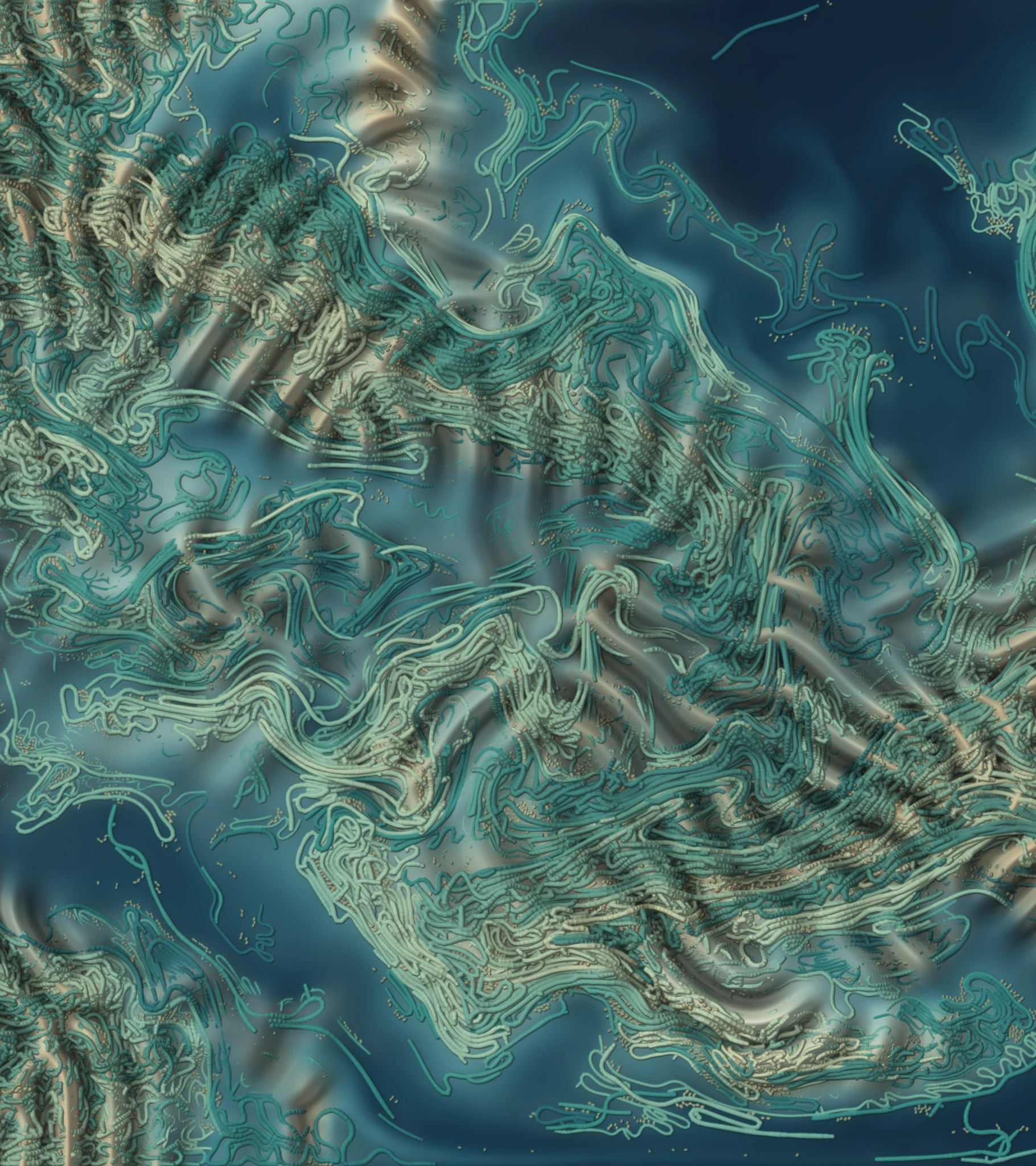
A recording of the living field, using its lighter browser model and visual treatment.
Download recording ↓02 / Interpretation
From small
beginnings.
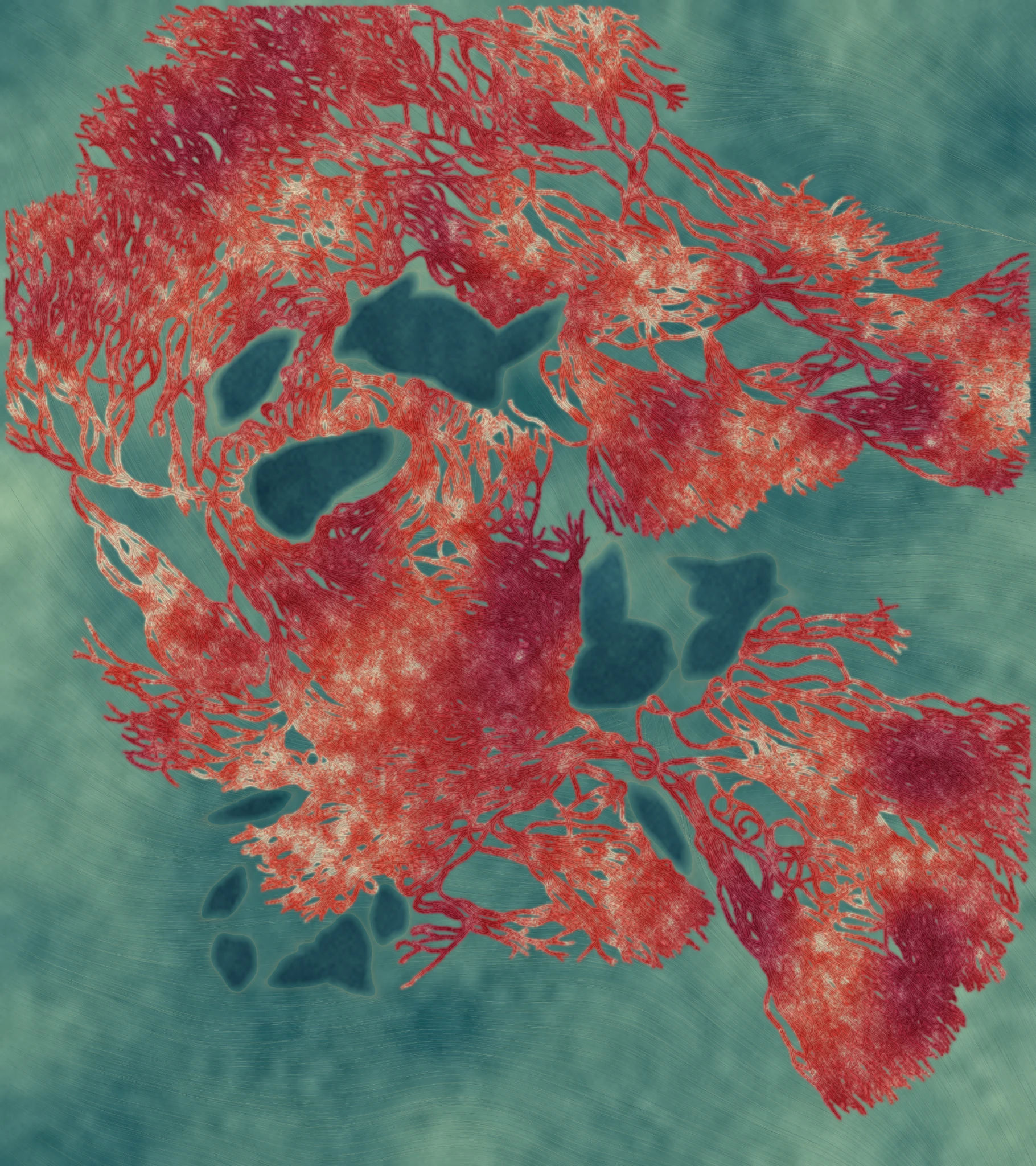
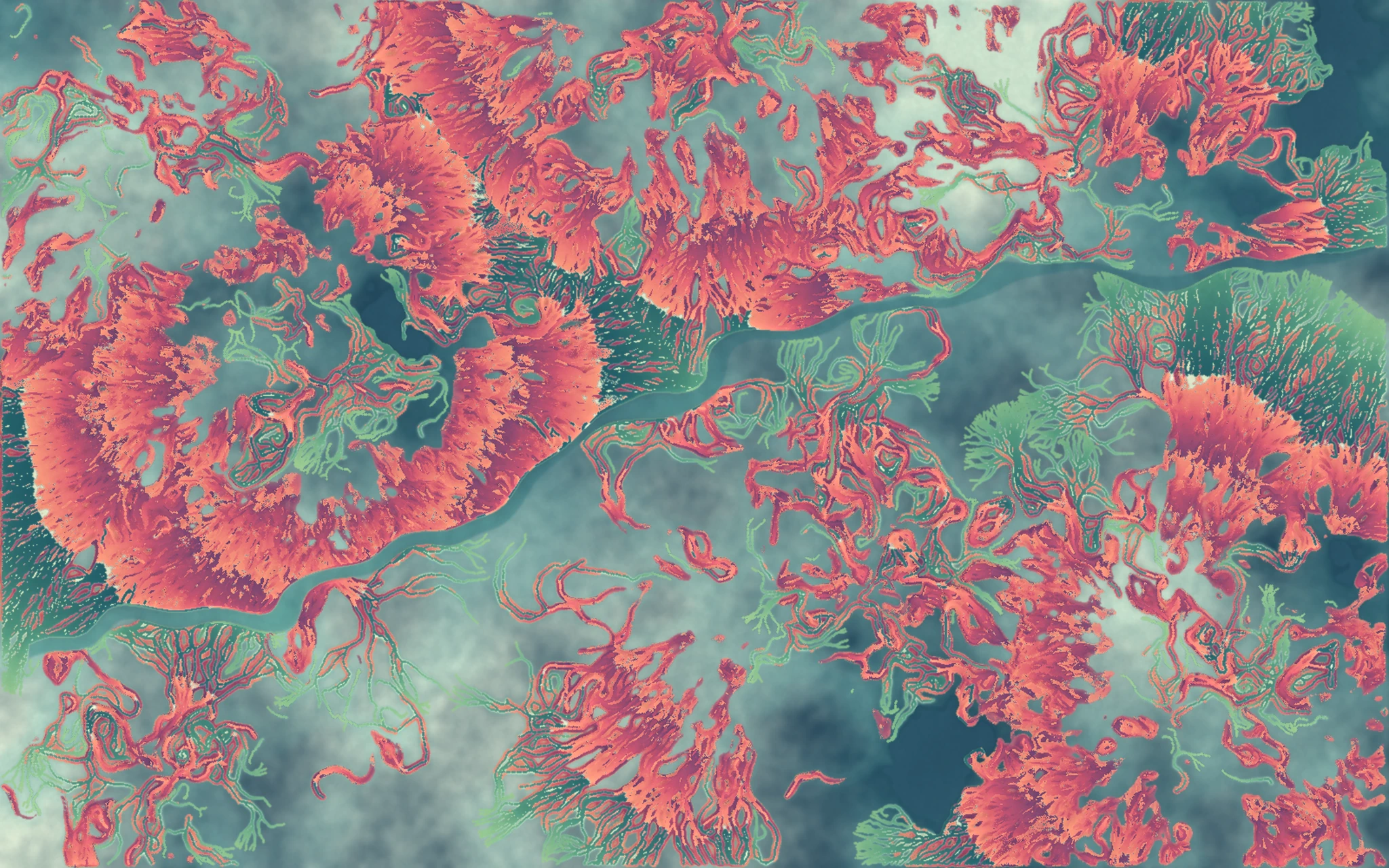
Interstices brings the intricate formation of living tissue into view. Cells multiply and gather into coral and burgundy masses, pressing into a cool teal web of fibres. Crowded clusters and delicate passages give this imagined microscopic landscape a sense of softness, pressure and abundance.
Within Intelligence in Nature, Interstices celebrates how living tissue builds itself through the multiplication of cells. A few scattered beginnings become dense, intricate masses as each division adds to the growing whole. The work makes this gradual construction visible: cells accumulate, clusters swell, and the spaces between them change. Its sense of vitality comes from watching something small become abundant.
03 / Process
How the work takes form.
Build the cells and fibres
A Python simulation begins with small clusters of cells embedded in an elastic fibre network. Each cell has a flexible boundary made from 24 connected points, allowing it to change shape. The original begins with 102 cells; the expanded landscape begins with 634.
Let the tissue take shape
Cells absorb nutrients, enlarge and divide. Their boundaries deform as they press against neighbours and surrounding fibres. The fibres move under this pressure and resist further expansion, shaping the cellular clusters and the passages between them.
Give the tissue its material appearance
A separate renderer colours the cells in coral and burgundy and the fibrous surroundings in teal. Soft staining, pigment variation, nucleus-like marks and additional fine strands give the simulated structure its textured appearance. The finished images preserve selected growth stages; the live version shows the cells and fibres developing with a lighter visual treatment.
04 / Source
Open the work.
The cells, the fibres, the colour.
Explore the code that brings them together.
Render the two included selected states.
- tissue.py
- The growth and interactions
- render_section.py
- The material appearance
- reproduce.py
- The path from state to still
Reproduce the work
Unzip the download and open a terminal inside Interstices_Source.
Python 3.12; NumPy, SciPy and Pillow (pinned in requirements.txt). Browser version uses only a local web server.
python -m pip install -r requirements.txt
python reproduce.py original --preview
python reproduce.py expanded --preview
The images appear in output/original_preview and output/expanded_preview. Remove --preview for full resolution; add --regenerate to recompute the growth. The compact download retains all source and both selected states, and omits intermediate states and exported images.
What’s in the download
Original and expanded Python simulations and renderers; both selected states; complete browser model; parameters, run histories and recorded checks.
Instructions and numerical settings are included with the code.
Continue the exhibition